Sign in
/login
Sign in to the app with your email address and password. The first sign-in asks for a permanent password and licence acceptance, and accounts with multi-factor authentication are asked for a code from their authenticator app. A successful sign-in opens the Projects screen, the entry point to everything else.
Sign in
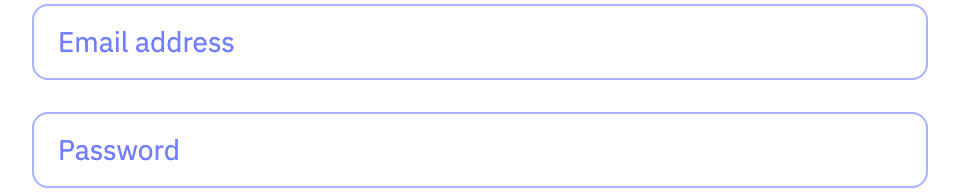
| Field | Purpose | Range | Default |
|---|---|---|---|
| Email address | The email address your account was created with. Sign-in and password-reset messages go to this address. | — | — |
| Password | The password for your account. On a brand-new account this is the temporary password you were sent. | — | — |
Limits are the API's unless marked app. The app may offer a narrower range.
Multi-factor authentication
Shown when setting up an authenticator app and on every later sign-in.
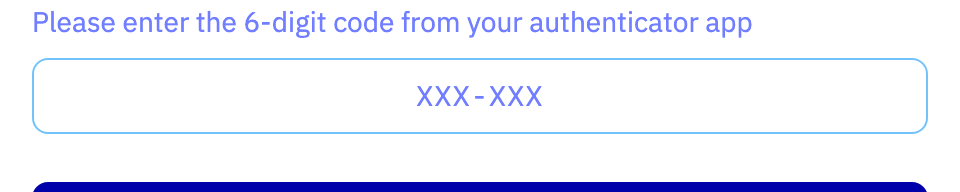
| Field | Purpose | Range | Default |
|---|---|---|---|
| MFA Token | The one-time code shown by your authenticator app. The code changes regularly, so enter the one currently displayed. | — | — |
Limits are the API's unless marked app. The app may offer a narrower range.
Password reset
| Field | Purpose | Range | Default |
|---|---|---|---|
| Email address | The email address of the account whose password you have forgotten. A verification code is sent to it. | — | — |
Limits are the API's unless marked app. The app may offer a narrower range.