Projects
/app/projects
Lists your projects and lets you open, rename or delete them. Editing a project changes its name and description; the depth grid is fixed when the project is created. Opening a project makes it the active one and takes you to its Project overview, from which every modelling screen works on that project's layers.
Edit project
Opens from a project's edit action in the list.
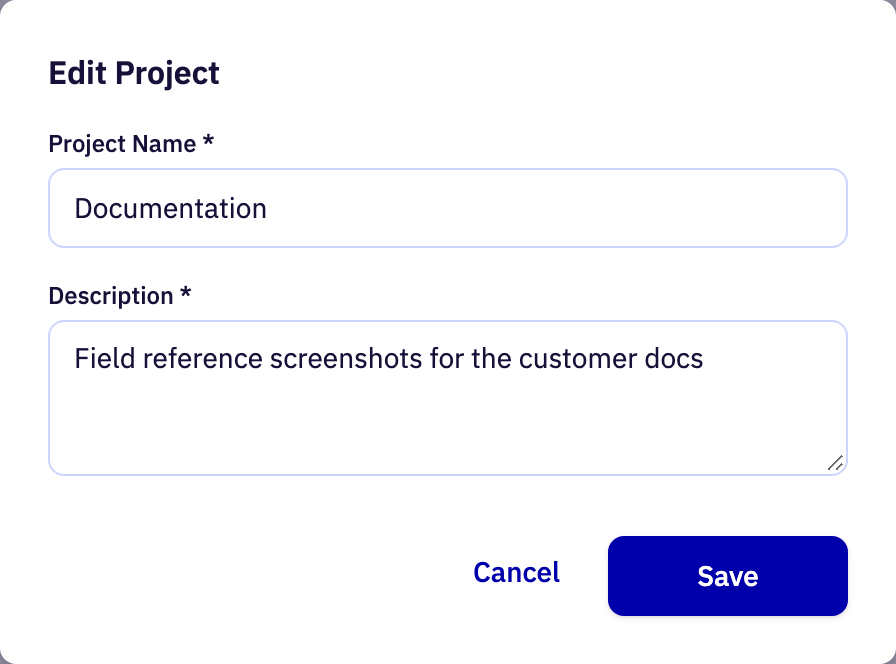
| Field | Purpose | Range | Default |
|---|---|---|---|
| Project Name required | The name the project is listed under. Changing it renames the project everywhere it appears. | 2 to 50 characters letters, digits, spaces, hyphens and underscores | Documentation |
| Description required | A short note on what the project is for. It is shown alongside the name and has no effect on any calculation. | 2 to 50 characters | Field reference screenshots for the customer docs |
Limits are the API's unless marked app. The app may offer a narrower range.