Import LAS
/app/projects/import-las
A step-by-step import that builds a project from a LAS well log. You describe the project, assign the elastic curves, choose how the log is divided into layers and pick the averaging method used to block it. The result is a project whose layers carry the blocked elastic properties, ready for review in Manage Layers and for Rock Physics Modelling.
Project information
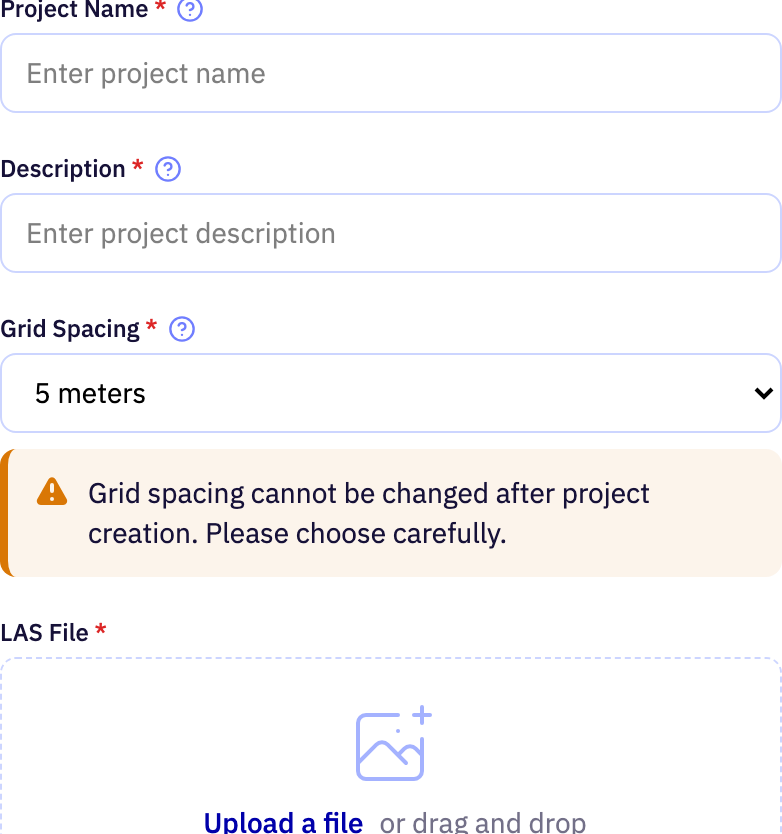
| Field | Purpose | Range | Default |
|---|---|---|---|
| Project Name required | The name the project is listed under. Choose something that identifies the well at a glance. | 2 to 50 characters letters, digits, spaces, hyphens and underscores | — |
| Description required | A short note on the project's purpose and scope. It is shown alongside the name and has no effect on any calculation. | 2 to 50 characters | — |
| Grid Spacing required | Vertical spacing of the depth grid the project's layers are built on. With uniform-grid layering it also sets the thickness of every blocked layer. | 1 to 10 m | 5 m |
| Upload a file | The LAS well-log file to import. It should contain depth plus the sonic or velocity and density curves you want to use. | — | — |
Limits are the API's unless marked app. The app may offer a narrower range.
Elastic curves
Assigns a LAS curve to each elastic property and previews the result.
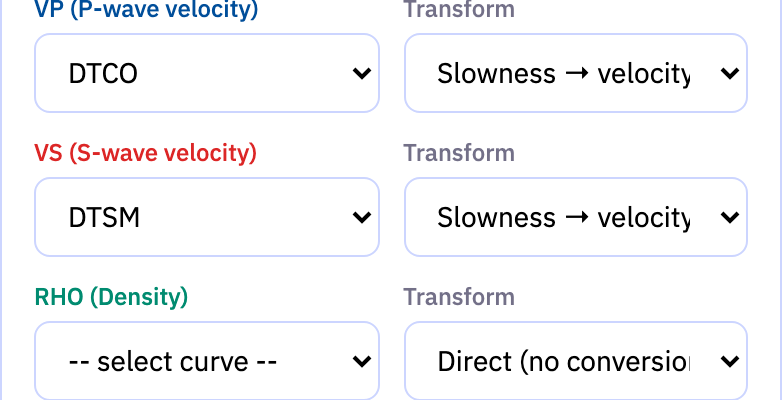
| Field | Purpose | Range | Default |
|---|---|---|---|
| VP (P-wave velocity) | The LAS curve that holds P-wave velocity, or the compressional sonic slowness it is derived from. Pick the curve you trust for this well. | — | DTCO |
| Transform | How the chosen curve is converted to P-wave velocity. Use the direct option when the curve is already a velocity, or a slowness conversion when it is a sonic log. | — | Slowness → velocity (µs/ft) |
| VS (S-wave velocity) | The LAS curve that holds S-wave velocity, or the shear sonic slowness it is derived from. | — | DTSM |
| Transform | How the chosen curve is converted to S-wave velocity. Use the direct option when the curve is already a velocity, or a slowness conversion when it is a shear sonic log. | — | Slowness → velocity (µs/ft) |
| RHO (Density) | The LAS curve that holds bulk density. | — | — |
| Transform | How the chosen curve is converted to density. Density logs are normally used directly. | — | Direct (no conversion) |
Limits are the API's unless marked app. The app may offer a narrower range.
Layering
Chooses whether layers follow formation tops or a uniform depth grid.
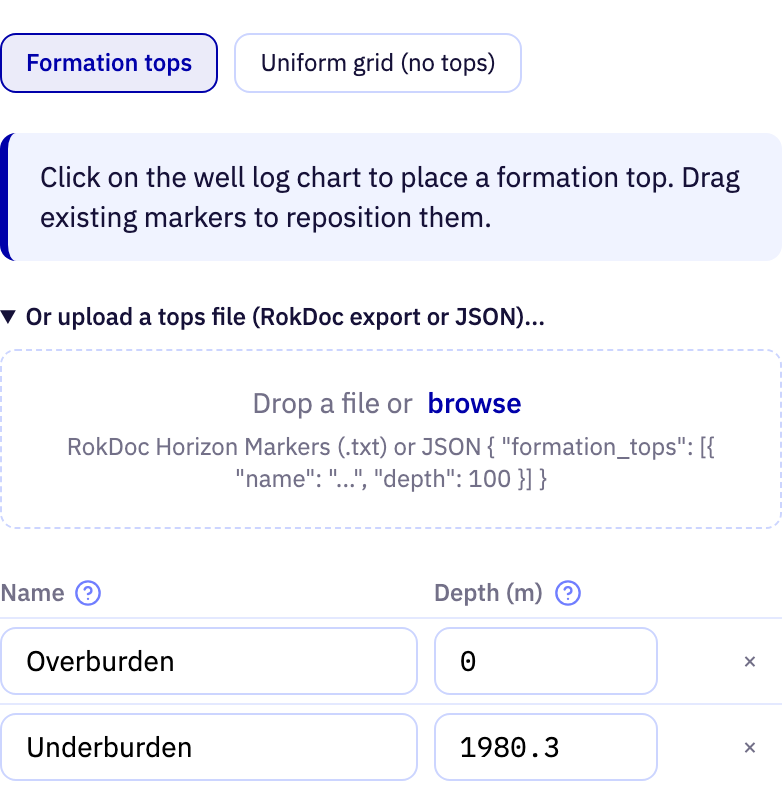
| Field | Purpose | Range | Default |
|---|---|---|---|
| mode | Where the layer boundaries come from. Formation tops block the log between the boundaries you define; the uniform grid divides it into equal steps at the project's grid spacing and stores no tops. | — | Formation tops |
| formation-tops-file | A file of formation tops to load into the table instead of typing them. RokDoc horizon-marker text files and a simple JSON list are accepted. | — | — |
| name | The name of the formation that starts at this top. It labels the layer that is blocked from it. | 1 to 100 characters | Overburden |
| depth | The depth at which the formation begins. Consecutive tops bound one layer each, so the order of depths sets the order of layers. | at least 0 m | 0 m |
Limits are the API's unless marked app. The app may offer a narrower range.
Blocking
Reviews the import and picks how the log samples inside each layer are averaged.
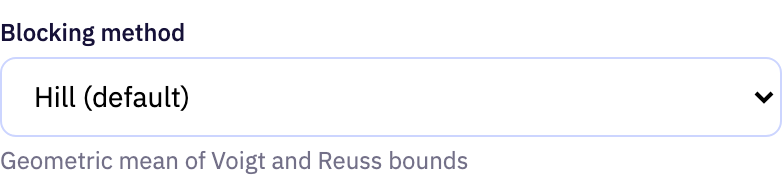
| Field | Purpose | Range | Default |
|---|---|---|---|
| Blocking method | The averaging used to upscale the log samples within each layer into a single set of elastic properties. Hill averaging suits most wells; Backus gives the long-wavelength equivalent medium, and the arithmetic and harmonic means are the simple upper and lower cases. | — | Hill (default) |
Limits are the API's unless marked app. The app may offer a narrower range.